Choosing the Best Affiliate Dashboard WordPress Plugin
Your affiliate program is bringing in referrals, but you have no reliable way to know which affiliates drove recurring subscription sales versus one-time orders. That gap, between raw click data and actual commission accuracy, is where most WordPress affiliate setups break down. Choosing the right affiliate dashboard WordPress plugin means solving that attribution problem before it costs you money or affiliate trust.
If your current setup fits your program, keep it. If you are scaling past a handful of affiliates or adding subscription products, read on before you commit to a plugin you will outgrow.
What an Affiliate Dashboard WordPress Plugin Should Let You Control
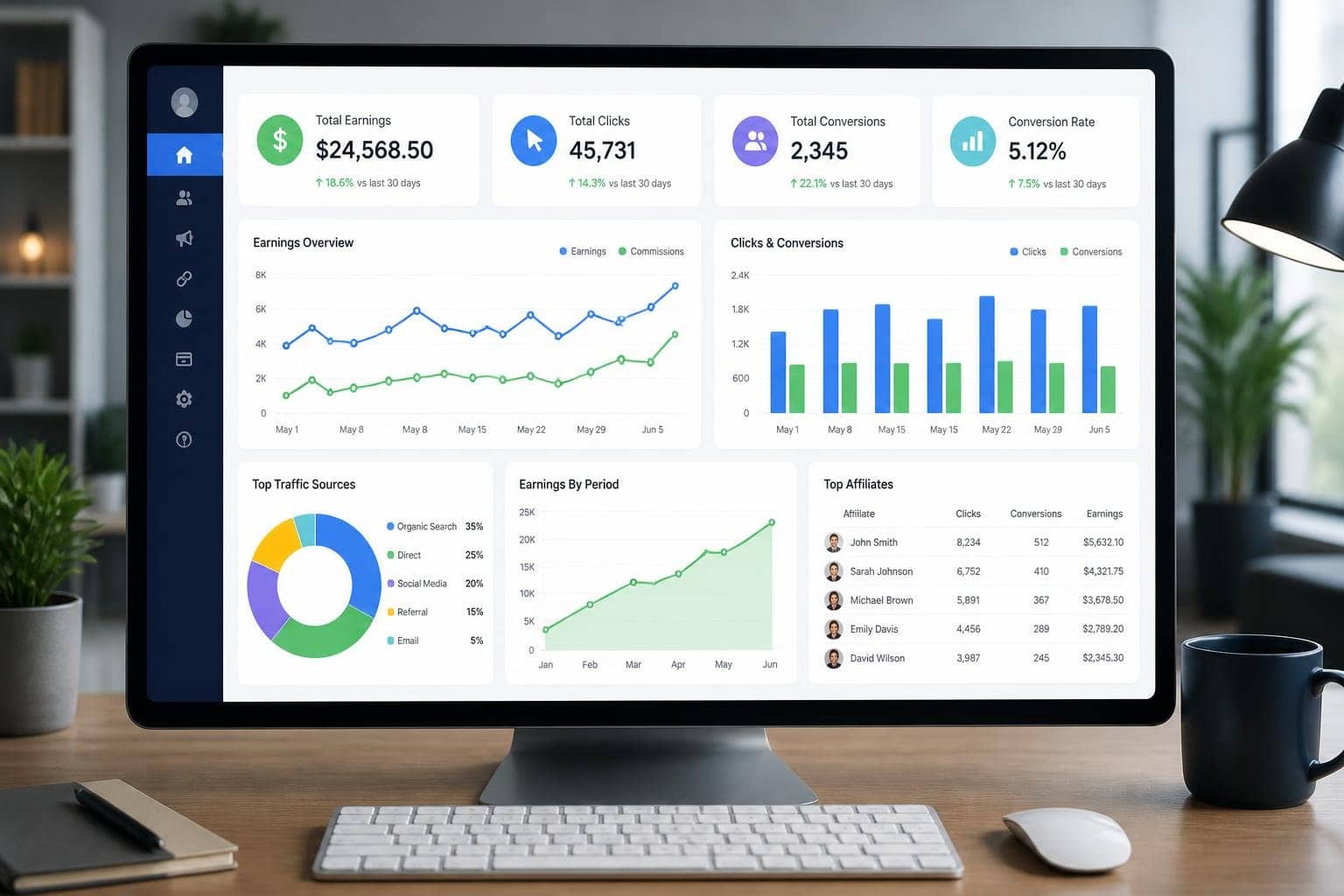
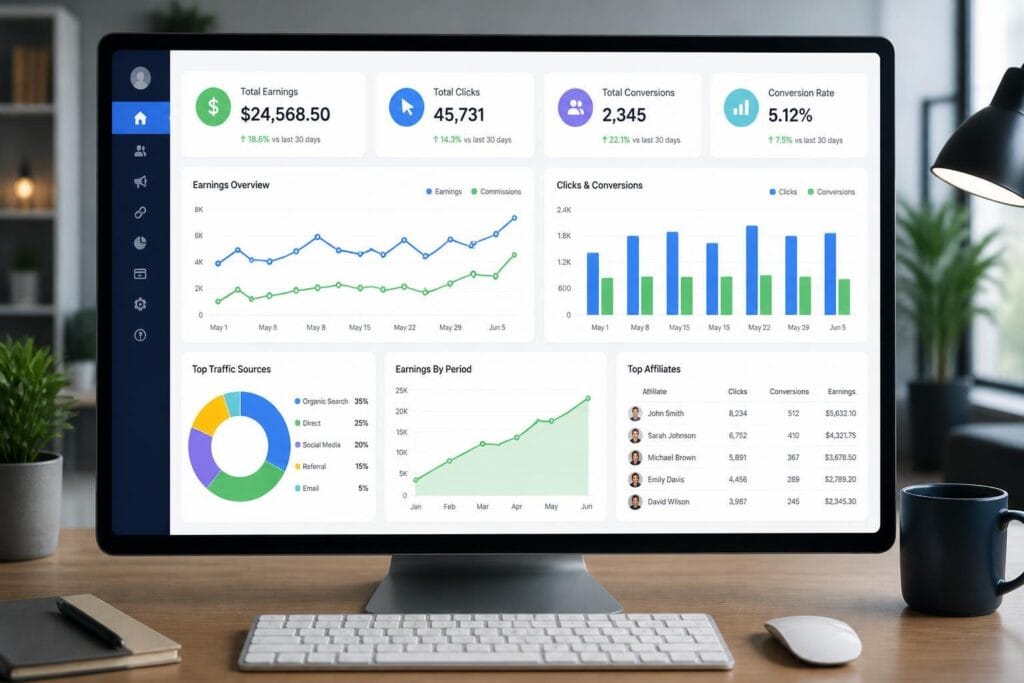
The affiliate dashboard is more than a stats page. It is the interface your affiliates interact with daily, and the quality of that interface directly affects how actively they promote your products. A well-built affiliate area covers registration, link generation, coupon access, and reporting in one place.
Affiliate Dashboard WordPress Plugin Essentials
Your affiliates need immediate access to their referral links, earnings history, payout status, and any promotional materials you have uploaded. If they have to email you to get a banner or ask why a commission is pending, your portal is not doing its job.
A good affiliate area includes:
- Referral link generator with copy-to-clipboard functionality
- Real-time earnings and click stats
- Payout history with status labels (pending, approved, paid)
- Downloadable creatives and banners
- Coupon codes tied to the affiliate account
- A support or messaging channel
The affiliate dashboard should also support custom templates so your affiliate area matches your brand, not a generic plugin skin.
Affiliate Registration and Approval Flow
You have two real options: automatic affiliate registration or manual affiliate approval. Automatic registration works well for open programs where volume matters. Manual approval makes sense when you want to vet affiliates before they start generating links.
The registration form itself should be customizable. You may want to collect a website URL, niche, or audience size before approving someone. Plugins that only offer a name and email field limit your ability to filter applicants.
Referral Link and Coupon Access
Every affiliate should be able to generate referral links for specific pages, not just your homepage. Coupon-based attribution is equally important, especially in WooCommerce stores where customers often type in a discount code at checkout rather than clicking a tracked link.
Affiliate coupon tracking lets you credit the right affiliate even when no referral link was clicked. This matters significantly for influencer affiliates who share discount codes on social media or podcasts.
How Tracking and Attribution Work in Real Setups
Attribution is the core function of any affiliate plugin, and the gap between basic click counting and accurate revenue tracking is wide. Cookie duration, coupon matching, and recurring referral logic all affect whether your commission numbers are trustworthy.
Click Tracking, Cookies, and Referral Tracking
When someone clicks an affiliate’s referral link, the plugin drops a tracking cookie in the visitor’s browser. If that visitor purchases within the cookie window, the affiliate earns a commission.
Cookie duration is configurable in most plugins, typically ranging from 30 to 365 days. The right duration depends on your average sales cycle. A software subscription with a long consideration period needs a longer cookie window than an impulse-buy product.
Cookie-based referral tracking works well in most cases, but it breaks when users switch browsers, use private mode, or clear cookies. That is why affiliate coupon tracking adds a meaningful layer of attribution accuracy, particularly for WooCommerce stores.
Coupon-Based Attribution for WooCommerce
In a WooCommerce affiliate setup, you can assign a unique coupon code to each affiliate. When that coupon is used at checkout, the sale is credited to the affiliate automatically, regardless of whether a tracking cookie is present.
This approach is reliable for:
- Social media promotions where referral links are less practical
- Podcast or newsletter mentions where a code is easier to share than a URL
- Scenarios where customers deliberately clear cookies before purchasing
Plugins that support both cookie tracking and coupon attribution give you the most complete picture of affiliate-driven revenue.
Recurring Referrals and Lifetime Credit
If you sell subscriptions or membership renewals, your tracking needs to go beyond the initial sale. Recurring referrals credit affiliates on each renewal, not just the first transaction. Lifetime commissions credit an affiliate for every future purchase by a customer they originally referred.
These two models require explicit configuration in your plugin. Not all plugins support recurring referrals natively. For WooCommerce Subscriptions or membership plugins, you need a plugin that hooks into renewal events, not just initial checkout completions.
Affiliate Dashboard Features for Growth
Beyond tracking, your plugin should include tools that help affiliates perform better and give you control over how commissions scale with performance.
Commission Models That Fit Different Products
A flat percentage commission works for simple stores. But if you sell a mix of physical products, digital downloads, and subscriptions, you need commission rules that can reflect that variety.
Useful commission structures include:
- Percentage of sale (global or per product/category)
- Fixed amount per conversion
- Custom commissions by affiliate or affiliate group
- Tiered commissions that increase based on performance milestones
- Recurring commissions on subscription renewals
Custom commissions by affiliate let you negotiate higher rates with top performers without changing your global rules. This is a practical tool for retaining affiliates who drive significant volume.
Landing Pages, Banners, and Coupon-Driven Promotion
Affiliate landing pages give each affiliate a personalized URL that points to a conversion-optimized page. This performs better than sending referral traffic to your homepage or a generic product page.
Banner management lets you upload creatives in multiple sizes. Affiliates pick the format that fits their site or platform, which increases the likelihood that they actually use your materials.
Coupon-driven promotion, as covered in the tracking section, works alongside landing pages to cover both link-based and code-based referral paths.
Bonuses, Tiers, and Multi-Level Expansion
Performance bonuses reward affiliates who hit specific revenue thresholds. Tiered ranking systems, where affiliates move up levels as they earn more, create ongoing motivation without requiring you to manually negotiate new rates.
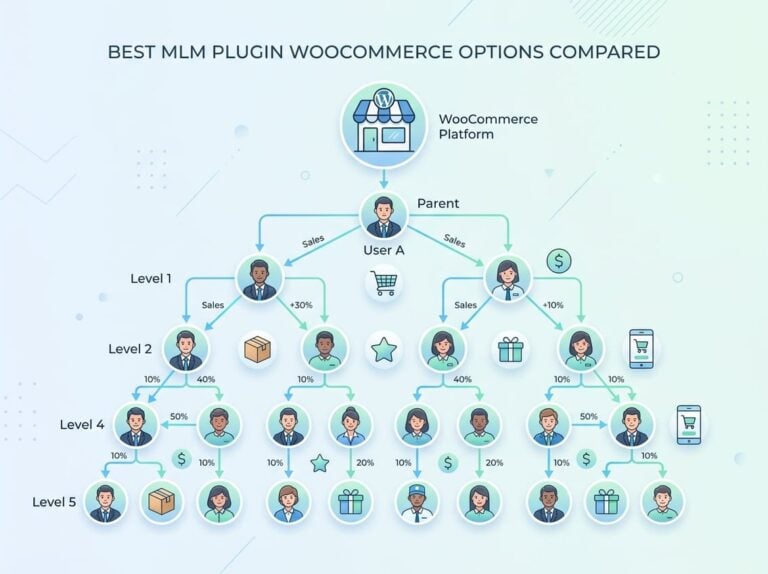
Multi-level marketing (MLM) or multi-tier commission structures let affiliates earn a smaller percentage on the sales generated by affiliates they recruit. This works well for programs that want affiliates to actively grow the network. Ultimate Affiliate Pro supports multi-level commissions alongside tiered ranking, which is useful for programs with an active recruitment component.
Integration Fit Across WordPress Business Models
Your affiliate plugin needs to connect cleanly with the tools already running your business. A plugin that tracks sales but misses renewal events, form submissions, or digital download purchases creates blind spots.
WooCommerce, Easy Digital Downloads, and Memberships
WooCommerce is the most common integration requirement. Your plugin should handle product-level commission rules, coupon tracking, and subscription renewals through WooCommerce Subscriptions.
Easy Digital Downloads (EDD) users need a plugin that fires commission events on successful downloads, not just on order creation. Membership site owners need commission tracking on initial signups and on renewals, which requires integration with your membership plugin’s payment hooks.
Some plugins have built a reputation around WooCommerce and EDD compatibility. Ultimate Affiliate Pro covers both, plus integrates with membership plugins, GiveWP for donation tracking, and LMS platforms for course-based commissions.
Forms, Checkouts, and Affiliate Signup Workflows
Affiliate signup often happens through a dedicated registration form. Your plugin should integrate with WPForms, Ninja Forms, or Contact Form 7 if you want to embed the signup form inside a custom page layout rather than using the plugin’s default template.
Checkout integrations matter for programs where affiliate signup happens at the point of purchase, such as when a customer becomes an affiliate immediately after buying a course or membership.
Payout and Automation Options
Manual payout processes do not scale. Look for plugins that support 1-click mass payouts to PayPal or Stripe, with the option to set minimum payout thresholds and payout schedules.
Automated payouts reduce the admin time required to run your program and reduce errors from manual transfers. If you are paying more than ten affiliates regularly, automation is not optional. Ultimate Affiliate Pro includes 1-click payouts and direct deposit options as built-in features, with no per-transaction fees according to the product documentation. You can review the full feature set and pricing at ultimateaffiliate.pro/pricing/.
How Leading Plugins Compare on Dashboard Depth
The range of affiliate dashboard WordPress plugin options spans from free tools with minimal dashboards to full-featured systems with recurring commission logic, multi-tier structures, and advanced reporting.
Where Basic Tools Usually Fall Short
Free plugins like WP Affiliate Manager and the core Affiliates plugin by Itthinx provide basic click tracking and commission recording. They work for simple programs with one commission rate and straightforward one-time sales.
Where they break down:
- No recurring referral support for subscriptions
- Limited or no coupon attribution
- Basic affiliate dashboards with no customization
- No multi-tier or MLM commission support
- Manual payout processes only
SliceWP and Solid Affiliate sit in the mid-range. They offer cleaner dashboards and better WooCommerce integration than free options, but recurring commissions and advanced tier rules often require add-ons or upgrades.
How Ultimate Affiliate Pro Fits Advanced Use Cases
Ultimate Affiliate Pro is built for programs that need more than flat-rate commissions. It handles recurring referrals, multi-level commissions, custom rules per affiliate, coupon tracking, landing pages, tiered ranking, and 1-click payouts in one plugin.
The affiliate dashboard is customizable, and the affiliate registration workflow supports both manual and automatic approval. For WooCommerce stores, membership sites, and LMS businesses that want full control without stitching together multiple plugins, it covers the complete feature set in a single install.
When Comparison Plugins May Still Come Up
While several tools exist in the ecosystem, many require expensive add-ons for basic functionality. Choosing an integrated affiliate dashboard WordPress plugin prevents these hidden costs.
If your program is straightforward and your affiliate count is low, any of these tools can work. The limitations appear when you try to add recurring commissions, coupon-based attribution, or multi-level structures without paying for additional add-ons.
Choosing the Right Setup for Your Site
The right plugin depends on your specific business model, your affiliate volume, and how your commissions need to work. There is no universal answer, but there are clear signals that point toward simpler or more advanced tools.
Questions to Ask Before You Commit
Before selecting a plugin, answer these:
- Do you sell subscriptions or memberships with recurring billing?
- Do you want affiliates to use coupon codes in addition to referral links?
- Do you need per-affiliate custom commission rates?
- Will you pay more than ten affiliates per month?
- Do you want a multi-level or tiered commission structure?
- Does your affiliate dashboard need to match your brand visually?
If you answered yes to three or more of these, you need a plugin with full commission flexibility and automation built in, not a basic tool with optional add-ons.
Recommended Setup Paths by Business Type
| Business Type | Minimum Features Needed | Suggested Approach |
|---|---|---|
| Simple WooCommerce store | Flat commission, PayPal payout | Mid-range plugin like SliceWP |
| Subscription or membership site | Recurring referrals, renewal tracking | Advanced plugin with subscription hooks |
| Digital downloads (EDD) | Download event tracking, custom rates | Plugin with native EDD integration |
| Course or LMS business | LMS commission hooks, tiered rates | Plugin with LMS and multi-tier support |
| Multi-niche or high-volume store | Coupon tracking, custom rules, MLM | Full-featured plugin with automation |
What to Prioritize First
Set up affiliate tracking and commission rules before you recruit affiliates. Retroactively adjusting commission structures after affiliates are active creates disputes and erodes trust.
Get your referral tracking tested with a real purchase before you go live. Check that cookie attribution works, that coupon codes credit the right affiliate, and that payout thresholds trigger correctly. A few hours of testing before launch prevents weeks of commission corrections later.
Frequently Asked Questions
Which plugin gives affiliates a clean front-end affiliate dashboard without sending them into wp-admin?
Most paid affiliate plugins include a dedicated front-end affiliate area built with shortcodes or block-based templates. Ultimate Affiliate Pro, AffiliateWP, and EasyAffiliate all provide affiliate dashboards that live on regular WordPress pages, keeping affiliates completely out of the admin backend.
What should an affiliate dashboard show for a WooCommerce store (orders, commissions, payouts, coupon tracking)?
A WooCommerce affiliate dashboard should display total referral clicks, referred orders with order status, commission amounts per order, pending and approved payouts, and any coupon codes assigned to the affiliate. Real-time reporting that updates as orders come in helps affiliates stay motivated and reduces support requests.
Can you run a solid affiliate program on a free plugin, or do you need a paid add-on for payouts and reports?
Free plugins can handle basic referral tracking and manual commission recording, but they rarely support automated payouts, coupon attribution, or recurring commissions without paid extensions. For any program with more than a handful of affiliates or subscription products, a paid plugin pays for itself in saved administration time.
How do you set up referral links and coupon-based tracking so affiliates can’t game the system?
Use unique coupon codes generated per affiliate with single-use-per-customer restrictions. On the link side, set cookie duration to a reasonable window and configure your plugin to reject self-referrals. Manual approval for affiliate applications adds another filter before anyone can generate links or coupon codes.
Which affiliate dashboard WordPress plugin performs best for high-volume stores?
A premium affiliate dashboard WordPress plugin is essential for busy stores. High-performance tools offer deeper integration and support complex commission structures without manual overhead. Free tools often lack the automation required for active recruitment and frequent payouts.
How do you handle affiliate payouts (PayPal, Stripe, bank transfer) and keep the dashboard numbers in sync?
Set up your plugin to log payout records automatically when a payment is processed. Plugins with native PayPal and Stripe integration update affiliate balances in real time after each payout batch. For bank transfer or wire payment options, mark payouts as paid manually in the dashboard immediately after processing to keep affiliate-facing numbers accurate.