Most WordPress affiliate plugins stop at one level. You get a flat commission rate, a referral link, and a payout threshold. That works for basic programs, but the moment you want to reward distributors for their team’s sales, you run into a wall.
Setting up a proper MLM commission structure in WordPress requires a plugin that handles tiered payouts, downline tracking, recurring commissions, and plan-specific logic, all without breaking your checkout or slowing down your site.
This guide covers the practical side: how percentage splits work across levels, what 2-tier and 3-tier setups look like in real stores, and how to configure them correctly inside Ultimate Affiliate Pro. Whether you’re running a WooCommerce store, a membership site, or a digital product business, the same core logic applies.
How Payout Logic Works on WordPress
Payout logic in a multi-level setup isn’t complicated once you see it clearly. The key variables are who earns, how much, and from which level’s sale.
Direct Commission, Level Commissions, And Team Commissions
A direct sales commission (also called personal sales commission) is what your affiliate earns when someone they referred buys something. This is the baseline. It’s straightforward and works in every affiliate plugin.
Level commissions are different. When your affiliate recruits another affiliate, and that second affiliate makes a sale, the original affiliate earns a percentage from that sale too. That’s level two. Add another layer and you have level three, and so on.
Team commissions aggregate earnings across an entire downline branch. Some plans pay on team volume rather than individual transactions, which works better for group-based incentive structures. As noted in a breakdown of mlm commission types, direct sales commissions typically run between 20-40% of the sale price, with level commissions decreasing as depth increases.
Commission Percentage Splits Across Levels
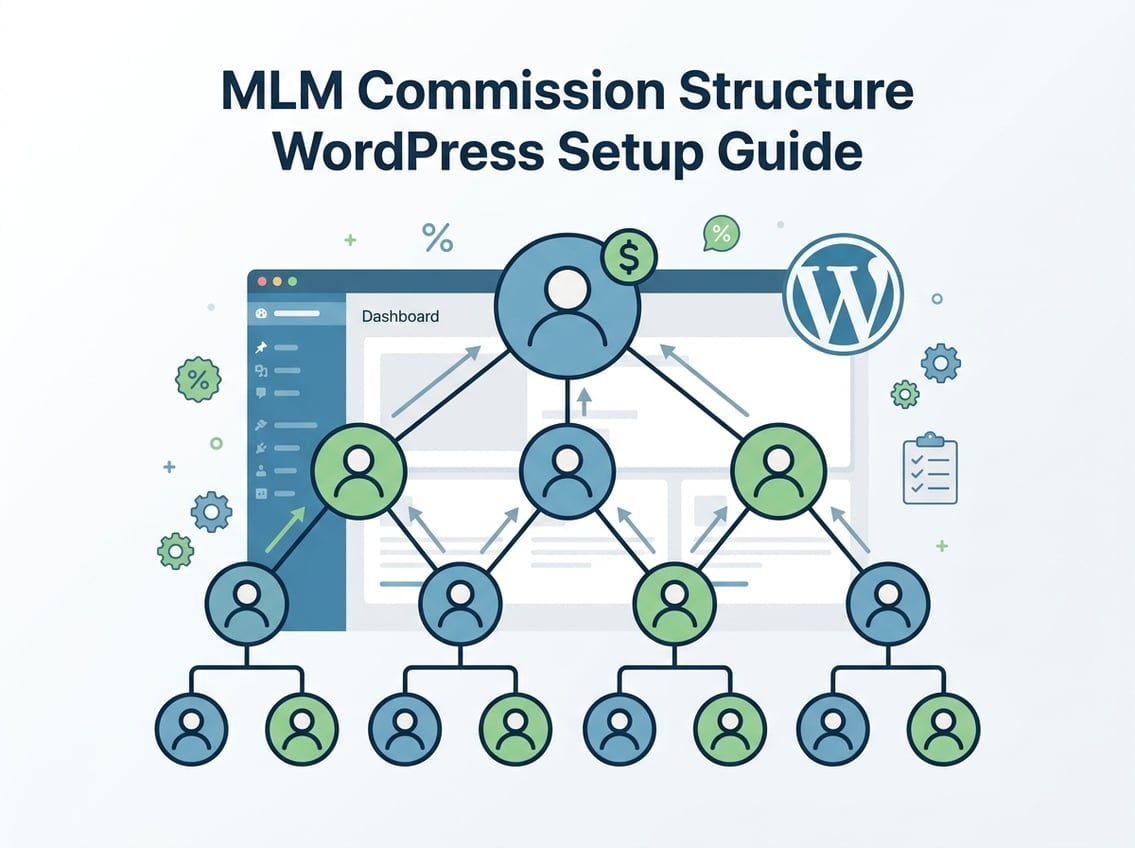
Here’s a practical example of how mlm commission splits look in a 3-tier structure:
| Level | Earner | Commission % |
|---|---|---|
| Level 1 | Direct referrer | 20% |
| Level 2 | Their recruiter | 8% |
| Level 3 | Recruiter’s recruiter | 3% |
You control every number in that table. Want to weight level 2 more heavily to encourage team building? Raise it to 12% and drop level 1 to 15%. The plan should reflect your actual business goal, not a template someone copied from a generic MLM guide.
Commission Calculation For Personal And Team Sales
Commission calculation in WordPress depends on how your plugin processes orders. For a single order with multiple products, a good plugin calculates commissions per line item or per order total, then distributes payouts up the chain based on the tier rules you’ve set.
If one of your distributors sells a $200 product, the level 1 affiliate earns $40 at 20%. Their recruiter earns $16 at 8%. The recruiter’s sponsor earns $6 at 3%. The math is automatic once the rules are configured, but you need to verify that your plugin handles multi-product orders correctly without duplicating payouts.
Residual Income And Recurring Commission Setups
Residual income is where an MLM commission structure in WordPress gets genuinely interesting for subscription or membership businesses. When a customer renews their membership or pays a monthly subscription, the commission chain triggers again.
Residual commissions and recurring commissions work the same way: every billing cycle generates a new commission event. Ultimate Affiliate Pro handles this natively for WooCommerce subscriptions, so you don’t need a separate plugin to manage residual earnings across multiple levels.
Choosing the Right Compensation Model
The plan you choose shapes everything downstream: how affiliates recruit, how payouts scale, and how sustainable the program is long-term. Each mlm compensation plan has real tradeoffs worth knowing before you configure anything.
2-Tier And 3-Tier Structures That Actually Fit Small Sites
A 2-tier structure is the simplest multi-level setup. Your affiliate earns on their direct sales, plus a smaller percentage when someone they recruited makes a sale. It’s easy to explain to distributors and easy to audit.
A 3-tier structure adds one more layer. It increases earning potential for top recruiters without creating the complexity of deep MLM plans. For most small to mid-size WooCommerce stores, a 3-tier setup is the practical ceiling before administration becomes difficult and profit margins get compressed.
Unilevel Plan Vs Binary Plan Vs Matrix Plan
The unilevel plan lets each affiliate recruit unlimited people at level 1, with commissions paid down a fixed number of levels. It’s the most common starting point because it’s transparent and easy to manage.
A binary MLM plan restricts each affiliate to two legs. Earnings often depend on balancing volume across both legs, which motivates team-building but creates complexity in tracking and payouts.
A matrix compensation plan (also called a force matrix) caps both width and depth. A 3×5 matrix, for example, means 3 people at level 1, 9 at level 2, and so on. According to a comparison of binary, matrix, and unilevel structures, matrix plans work best when you want predictable downline sizes and controlled payout exposure.
When A Hybrid Compensation Plan Makes More Sense
A hybrid compensation plan combines elements from multiple plan types. You might use a unilevel base with binary-style matching bonuses layered on top. This works well when your product catalog has different margin profiles, so high-margin products can sustain deeper commission chains.
The tradeoff is configuration complexity. A hybrid plan needs software that can handle multiple rule sets simultaneously without creating payout conflicts. This is where most basic WordPress affiliate plugins fail.
Where Stairstep Breakaway And Matching Bonuses Fit
The stairstep breakaway plan promotes affiliates through ranks based on personal volume or team volume. When a distributor reaches a threshold, they “break away” and operate as a semi-independent unit. This model suits businesses that want to create leadership tiers with rank-based bonuses.
Matching bonuses pay a percentage of what your direct recruits earn, rather than a percentage of their sales. If your level 2 affiliate earns $500 in commissions this month, a 10% matching bonus pays you $50 on top of your regular level commissions. This incentivizes training and supporting your downline rather than just recruiting.
Configuring Tiers in Ultimate Affiliate Pro
Ultimate Affiliate Pro is the most flexible option for building an MLM commission structure in WordPress without switching platforms or patching together multiple tools. The MLM feature inside UAP handles tiered payouts, downline tracking, and recurring product commissions in a single plugin.
Setting Up Multi-Level Depth Without Overcomplicating It
Inside Ultimate Affiliate Pro, you set the number of active tiers and assign a commission percentage to each. For a 3-tier setup: go to the MLM settings panel, enable multi-level mode, set Level 1 to 20%, Level 2 to 8%, Level 3 to 3%, and save.
You can review the full MLM commission software configuration options to understand how each tier rule interacts with product categories and membership levels. Start with fewer levels than you think you need. Adding depth later is easier than walking back a complex structure your distributors are already counting on.
Using Flexible Tier Rules For Different Offers
UAP lets you override global tier settings at the product or offer level. That means your flagship subscription product can pay 25% at level 1 while a lower-margin physical product pays 10%. Both products live in the same WooCommerce store, both tracked through the same commission tracking system.
This is the specific feature that separates UAP from basic mlm commission software. Most plugins apply one flat rate across everything. Ultimate Affiliate Pro’s tiered commission setup lets you assign different percentage rules per product, per affiliate rank, or per offer type.
If you’re ready to configure this, check the UAP pricing page to confirm which plan includes the MLM module before you start building.
Tracking Downlines, Referrals, And Genealogy Views
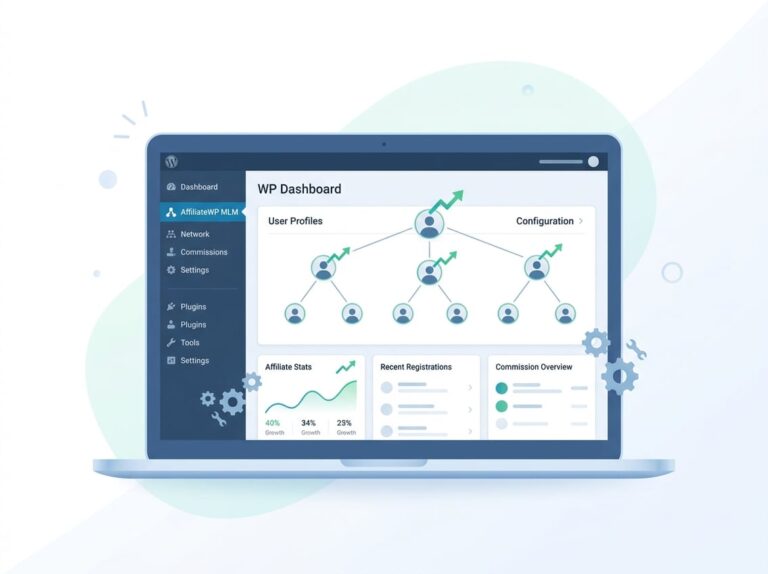
The genealogy tree view inside UAP shows you every affiliate’s downline in a visual hierarchy. You can see who recruited whom, how deep each branch goes, and which legs are active. This matters for auditing, dispute resolution, and identifying inactive branches that need attention.
For commission tracking, UAP logs each referral event with the source affiliate, the level it was triggered at, and the commission amount. Downlines are tracked in real time, so payouts always reflect the current state of the network rather than a cached snapshot.
Handling Recurring Products, Memberships, And Upsells
For WooCommerce Subscriptions or membership plugins, UAP fires a commission event on every renewal, not just the initial purchase. That means your level 1 affiliate earns residual commissions every month a customer stays subscribed, and so do levels 2 and 3.
Upsells work the same way. If a customer upgrades from a basic plan to a premium plan, the commission chain fires again based on the upgrade value. This is a meaningful revenue stream for course sites and membership businesses that most flat-rate affiliate plugins completely ignore.
WooCommerce Use Cases and Admin Workflow
Running MLM commissions inside WooCommerce requires the right plugin configuration, but once it’s set, the workflow is largely automated. The key is knowing what to verify at the admin level.
Running MLM Commissions Inside WooCommerce
When a customer completes a WooCommerce checkout, the plugin intercepts the order and checks the referring affiliate’s ID. It then walks up the genealogy tree, identifies the affiliate at each configured level, calculates the commission percentage for that level, and queues the payout. This all happens automatically.
For variable products or orders with multiple line items, confirm that your plugin calculates commissions per item rather than on a single order total. UAP handles multi-item orders correctly by default. For matrix or binary MLM plans in WooCommerce, dedicated plugins like those available at WordPress.org can handle plan-specific logic if you’re running a more specialized structure.
What You Need In The WordPress Dashboard
Your WordPress dashboard needs to surface three things clearly: pending commissions, approved commissions, and affiliate performance by level. If you can’t see level-by-level breakdowns, you’re flying blind when something goes wrong.
UAP adds a dedicated affiliate management panel to your WordPress dashboard. From there you can filter commissions by affiliate, by level, by date range, and by product. You can also manually adjust commissions before approval, which is useful for partial refunds or disputed transactions.
Approving, Reviewing, And Auditing Referral Payouts
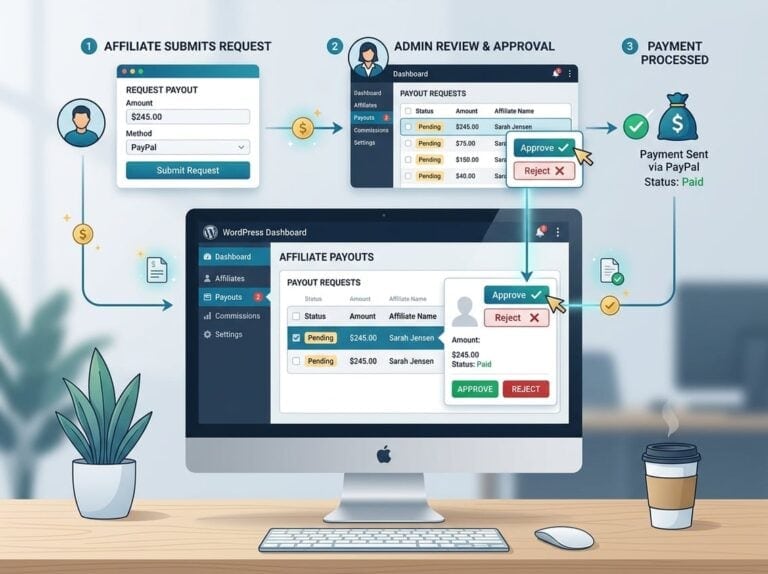
Never auto-approve commissions without a review window. Set a minimum hold period (30 days works for most physical products, 14 days for digital) to account for refunds. If a customer refunds their purchase, the commission should be voided automatically.
For auditing, export your commission logs regularly. UAP generates exportable reports that show the full attribution chain for every payout. This is the documentation you need if a distributor disputes their earnings or if you’re doing a compliance review.
Keeping the Plan Profitable and Compliant
A commission plan that motivates distributors but ignores your margins will damage the business faster than no affiliate program at all. The math has to work before you launch.
Balancing Distributor Motivation With Profit Margins
Add up the total commission payout across all levels for a typical sale. If a $100 product pays 20% at level 1, 8% at level 2, and 3% at level 3, that’s 31% in commissions before you account for platform fees, fulfillment, and returns. That number needs to fit inside your actual profit margin.
Distributor motivation drops sharply if payouts are too low to be meaningful. Run the numbers at realistic order values, not best-case scenarios. As discussed in designing a profitable MLM compensation architecture, commission structures need to be modeled against real product margins before going live.
Personal Volume Requirements And Sustainable Payout Rules
Personal volume requirements prevent passive earning. When a distributor must generate a minimum in personal sales to qualify for level commissions, you filter out recruiters who aren’t actually selling anything. This protects the program from becoming purely recruitment-based.
Set realistic thresholds. Too high and you’ll alienate legitimate small-volume distributors. Too low and the requirement is meaningless. A monthly personal sales minimum of one to two units is a reasonable starting point for most product-based programs.
MLM Regulations And Red Flags To Avoid
The FTC scrutinizes MLM programs closely. The core rule: income must come primarily from product sales to real customers, not from recruitment fees or inventory loading. If your structure rewards recruiting more than selling, you’re in legally risky territory regardless of how you label the program.
Avoid mandatory purchase requirements for joining, pay-to-play rank qualifications, and commission structures that only pay when a new distributor buys a starter kit. Document everything: commission rules, payout policies, and qualification criteria should be published and version-controlled.
Frequently Asked Questions
How do you set up multi-tier affiliate commissions in WordPress without breaking WooCommerce checkout?
Use a plugin built specifically for WooCommerce integration, not a generic affiliate tool. Ultimate Affiliate Pro hooks into WooCommerce order processing natively, so commission calculation happens after checkout completes rather than interrupting it. Test with a staging site before going live, and verify that multi-item orders calculate correctly.
Which WordPress plugin handles binary and unilevel payout logic correctly (and doesn’t slow down your site)?
Ultimate Affiliate Pro handles both unilevel and binary-style commission structures with minimal overhead. The mlm feature processes commissions asynchronously, so checkout speed isn’t affected. Dedicated binary plugins exist on CodeCanyon for more specialized setups, but they typically lack the broader affiliate management features UAP includes.
How do you calculate and store downline commissions when a customer buys multiple products in one order?
Your plugin should calculate commissions per line item and then aggregate by affiliate. UAP processes each product in an order separately, assigns the correct level commission based on your tier rules, and stores each commission event with the full attribution chain. This prevents double-counting and makes refund handling straightforward.
What’s the cleanest way to set rank-based commission rules (e.g., 5% for Starter, 10% for Pro) in WooCommerce?
In Ultimate Affiliate Pro, you assign commission rates to affiliate ranks rather than to individual affiliates. When an affiliate hits the threshold for a new rank, their rate updates automatically. This means you don’t need to manually edit hundreds of affiliate records when you change a tier structure.
How do you prevent commission fraud and self-referrals while still allowing legitimate family or team signups?
Use cookie-based tracking with IP logging enabled, and set your plugin to block referral credits when the referring affiliate and the buyer share the same account or IP address. UAP includes self-referral blocking by default. For family or team situations, you can whitelist specific account pairs rather than turning off fraud protection entirely.
How do you automate monthly payouts with PayPal or Stripe while keeping a proper commission audit trail?
Set your commission approval window to match your refund policy, then use UAP’s mass payout feature to process approved commissions via PayPal in bulk. Every payout generates a log entry with the affiliate ID, amount, level source, and timestamp. Export those logs monthly and store them separately from your WordPress database for a clean audit trail.