The Remove Dummy Data add-on clears test data from Ultimate Affiliate Pro. Use it to remove the affiliates, clicks, referrals and payouts you created while testing, so your program starts clean when you launch.
It is meant for test and staging sites, or for the moment just before launch. After testing your affiliate program, remove the test records with this add-on and keep your settings, ranks and pages as they are.
Before you start
- Ultimate Affiliate Pro installed and active (install guide).
- A full backup of your database. Removed data cannot be restored without one. See the WordPress backup guide.
Install the Remove Dummy Data add-on #
- Download the Remove Dummy Data zip file from your account on ultimateaffiliate.pro.
- In your WordPress admin, go to Plugins›Add Plugin and click Upload Plugin.
- Choose the zip file, click Install Now, then Activate Plugin.
The add-on now has its own card in Ultimate Affiliate Pro›Modules. See Pro add-ons: what they are and how to install them for the full process.
Choose what to remove #
Go to Ultimate Affiliate Pro›Modules›Remove Dummy Data. The screen shows a reminder to use it only in test mode. This guide covers the data types below.
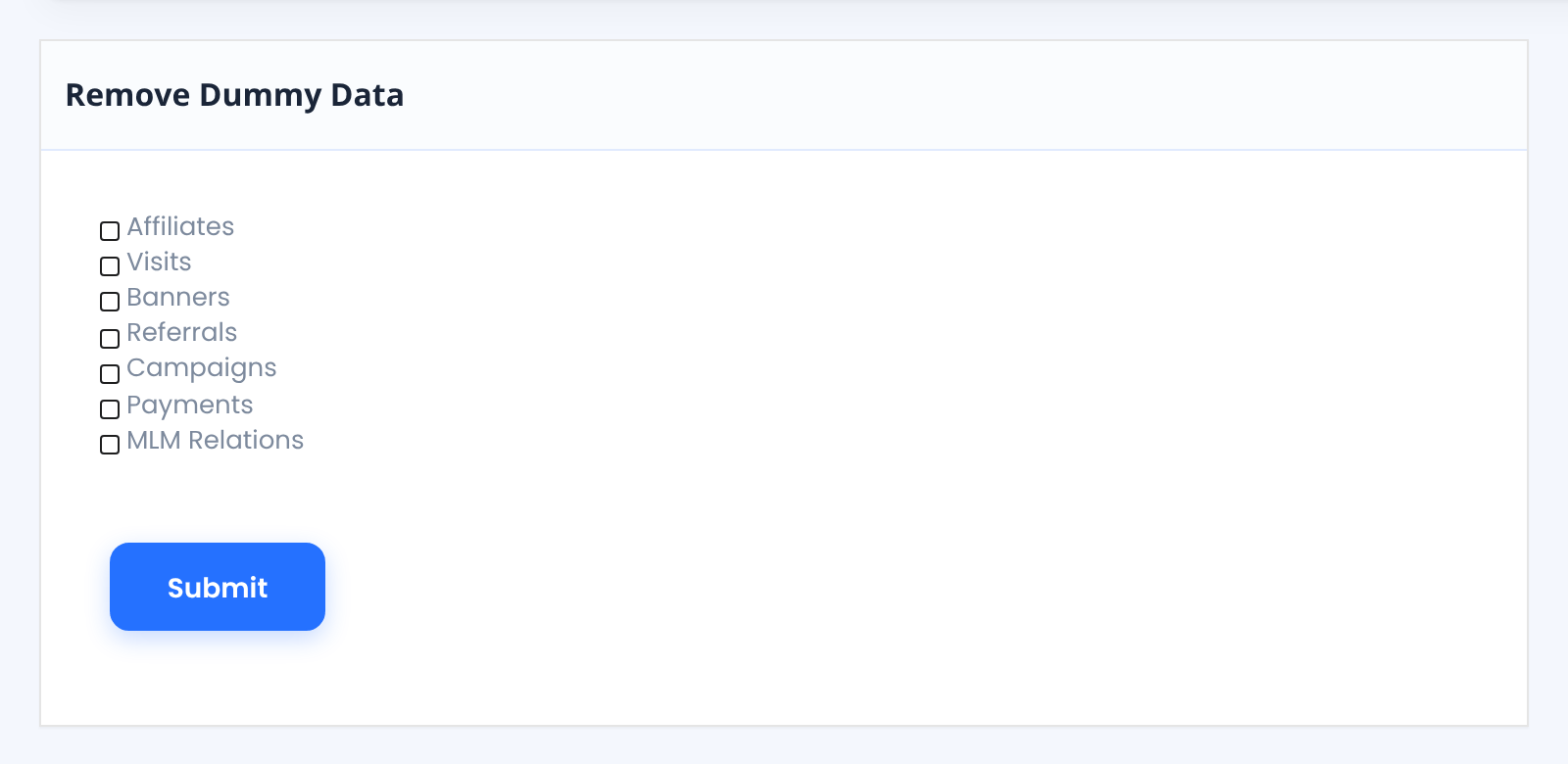
| Checkbox | What is removed |
|---|---|
| Affiliates | All affiliate records. The WordPress user accounts stay. |
| Visits | All clicks on affiliate links. |
| Banners | All creatives (banners and text links). |
| Referrals | All referrals and their commissions. |
| Campaigns | All affiliate campaigns. |
| Payments | All payout records. |
| MLM Relations | All parent and child links between affiliates. |
Remove the data #
- Select the checkboxes of the data you want to remove.
- Click Submit. The selected data is deleted right away.
This cannot be undone
Every record of the selected type is deleted, not only test records. Never use Remove Dummy Data on a live program with real affiliates and earnings.
Remove related data together
When you remove Affiliates, also remove Visits, Referrals, Payments and MLM Relations, so no records are left without their affiliate.
Frequently asked questions #
Does it delete my settings?
No. Settings, ranks, email templates and pages are not touched. Only the data types you select are removed.
Are WordPress users deleted with affiliates?
No. The affiliate records are removed, but the WordPress user accounts stay. Delete them in Users if you do not need them.
Can I restore removed data?
Only from a database backup made before the removal.
Should I keep the add-on active after launch?
No. Deactivate and delete it in Plugins once your program is live, so the data cannot be removed by mistake.


